


Bongo - Upgrade
> Perpetual Licence
> Backed by our 5-star tech support team
> Rhino 3D rated 4.4/5 on G2 — see the reviews
System Requirements
| OS: | Windows |
| RAM: | 8GB Minimum (32GB–64GB Recommended for large projects) |
| Graphics: | Dedicated GPU with 8GB+ VRAM recommended for stability |
Free Online Support
Need help? We offer free online support for all our products. Contact us via our Contact page and we'll be happy to assist you.
Related Products
- Rhino 3D Commercial Licence — required to run this plugin
- Bongo + Rhino 3D bundle — includes Rhino + Bongo
- View all Bongo options — academic, commercial, and upgrade licences
- Bongo Commercial Licence — full licence (not an upgrade)


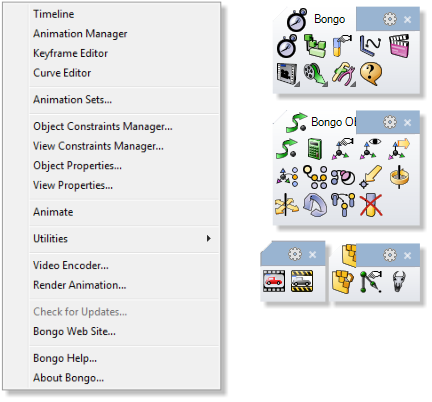
Upgrade to Bongo to animate mechanisms and assemblies directly inside Rhino 3D, using keyframe animation, Inverse Kinematics and object-hierarchy tools. This perpetual, single-user commercial upgrade brings animation into your Rhino modelling workflow.
Bongo records movement, rotation and scaling as editable keyframes, with a timeline and curve editor for controlling how the animation develops between them. Parent–child hierarchies allow connected components to move together, while the Inverse Kinematics engine calculates the behaviour of a linked chain towards a goal, useful for mechanisms such as pistons and articulated arms. Path constraints can guide an object or camera along a curve, and look-at constraints keep a view directed towards a chosen object. Alongside mechanical demonstrations, these tools support architectural walkthroughs and turntable presentations. Bongo can also animate layer visibility and material properties.
It requires a valid Bongo V1 licence, with original licence details supplied for verification, together with Windows and a compatible, licensed Rhino 3D installation, sold separately.
Explore Bongo animation
Discover animation use cases, workflows and practical presentation tips.
Explore Bongo Contact CADWAX